


Process financial documents without manual review
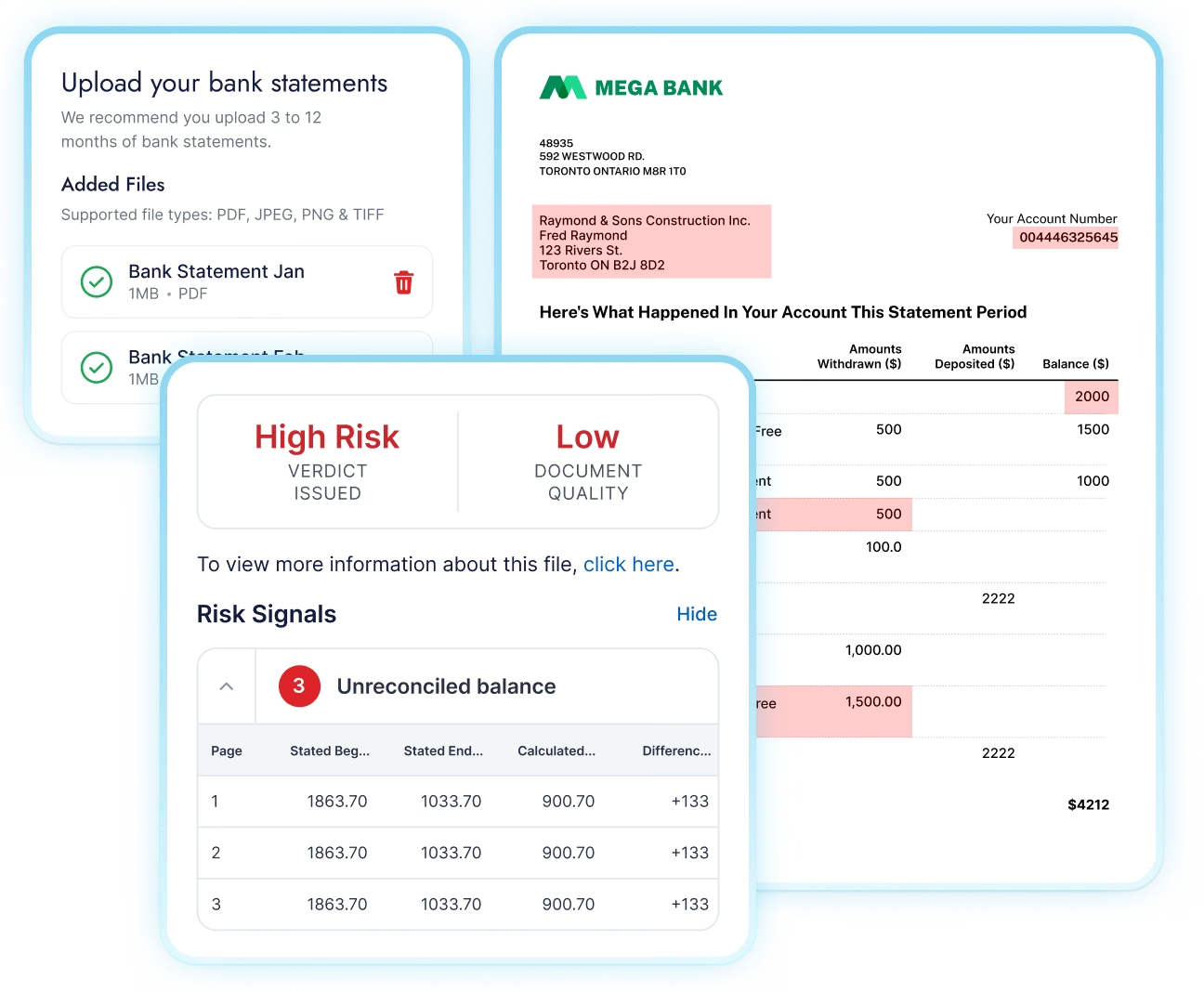
Flinks Upload extracts data from bank statements and void cheques and scans them for fraud, so your team only reviews what needs a second look.
Trusted by leading financial institutions and innovators


From document upload
to decision in minutes
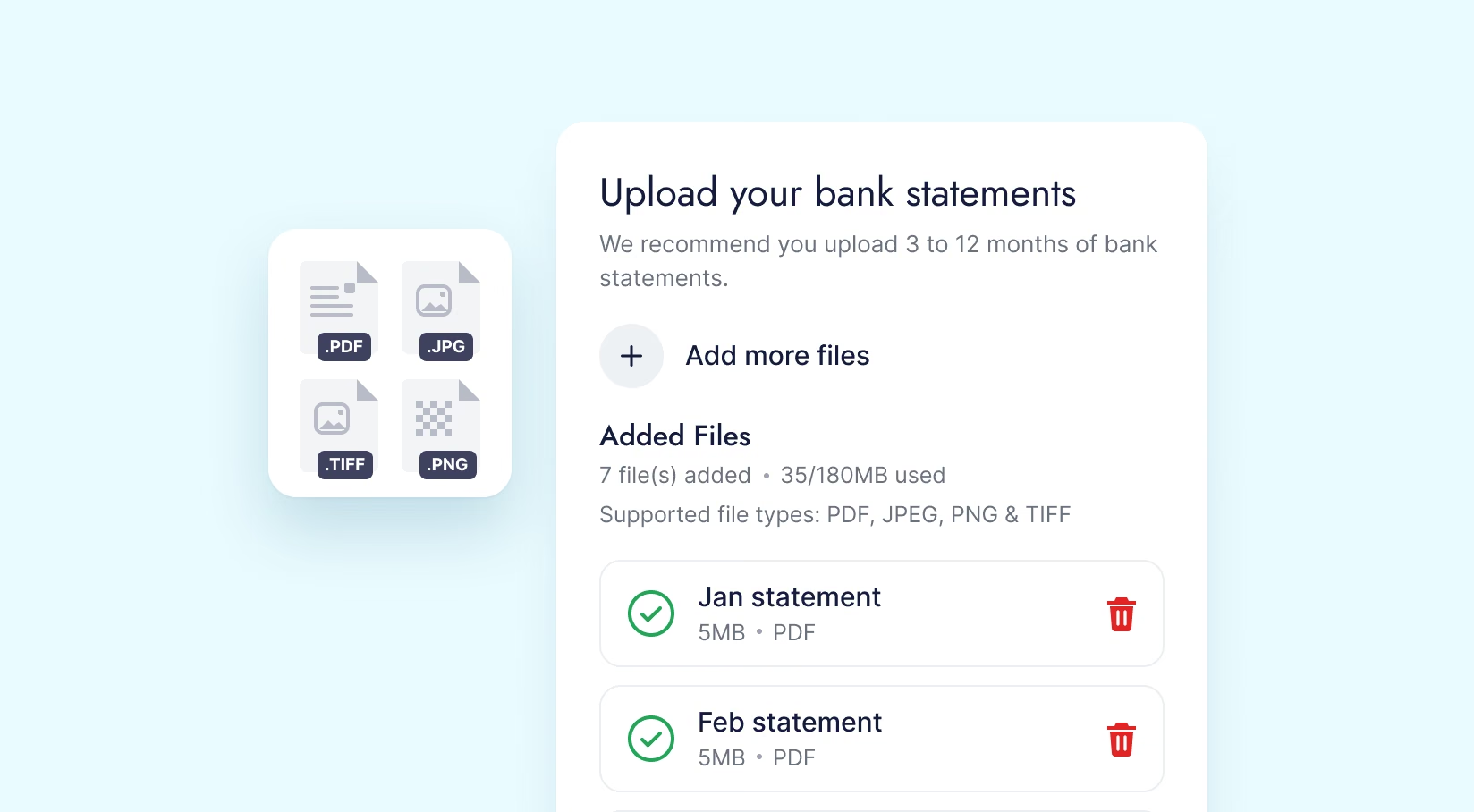
Your customers upload documents, like bank statements or void cheques, through your onboarding flow.
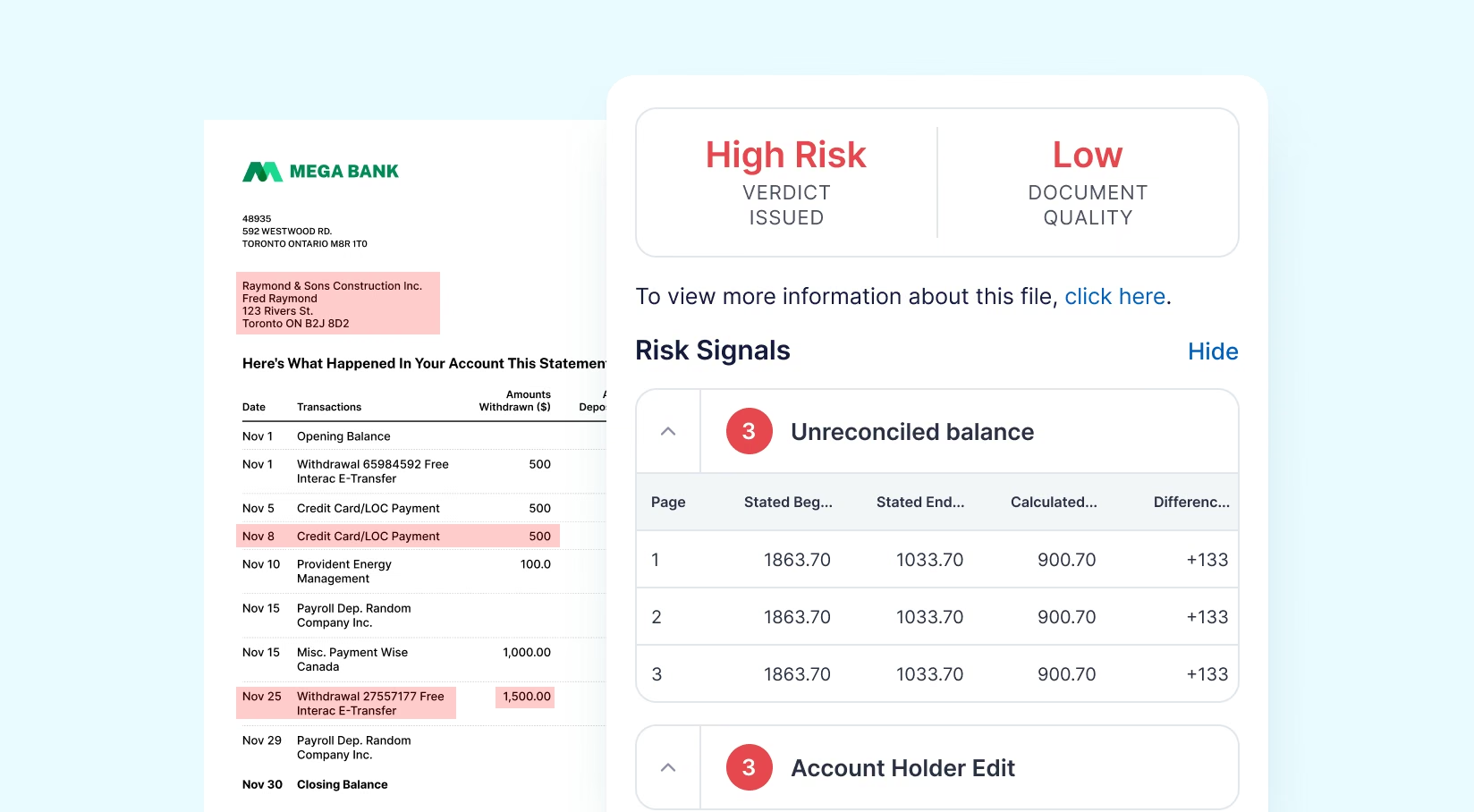
Flinks extracts the financial data from each document and checks it for signs of fraud.
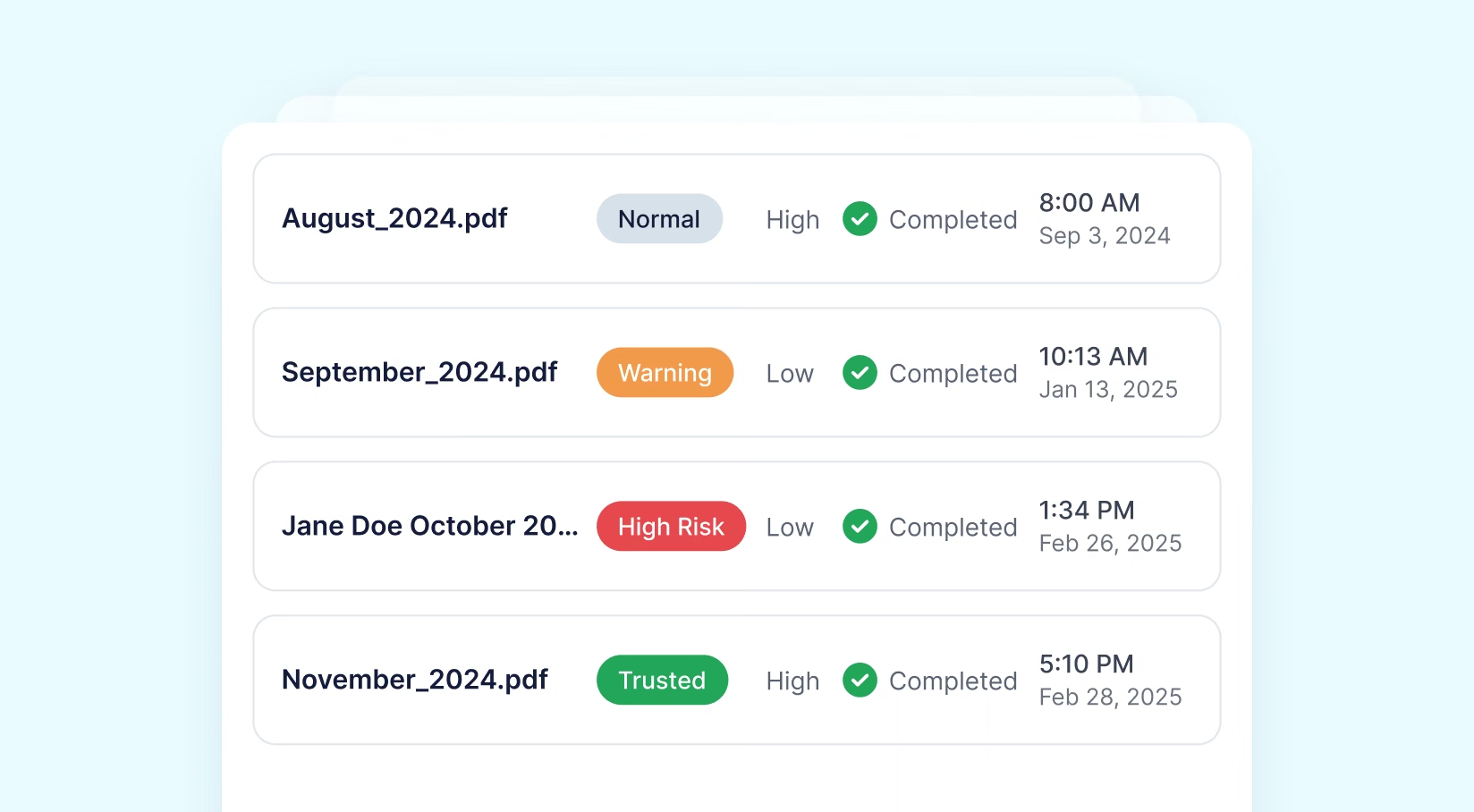
Get a verdict and then approve, flag or reject based on your risk tolerance.
The Flinks difference
Flinks Upload replaces manual document review with verified, structured data your team can act on.
Give customers another way to share their data
Some customers can't connect their bank account, and some prefer to share their documents instead. Give them that flexibility and reduce drop-off in your onboarding flow.
Process bank statements and void cheques
Turn financial documents into structured data your team can use right away. Flinks pulls account details, balances and transactions from each file, so your team spends less time on manual reviews.
Catch up to 3x more fraud than manual review
Every document gets a verdict and the fraud indicators behind it, such as balances that don't reconcile, manually edited fields or a template match — checked against 300,000+ known counterfeit templates.
Review and manage files in the Dashboard
Use the Flinks Dashboard to see the full fraud analysis for every document, examine anything flagged before making a decision, and add or remove files within the same request.
Automate the flow with the Upload API
Submit files in bulk, retrieve structured data, and get fraud analysis results directly in your own systems. Add automated document checks to the workflows you already run with the Flinks API.
Frequently asked questions
- What types of documents and formats are supported?
Flinks Upload can process PDFs and image formats such as JPEG, PNG, and TIFF. It currently supports bank statements and void cheques, with additional financial document types expected to expand over time.
- How does Flinks Upload detect fraud in financial documents?
Flinks Upload uses proprietary OCR technology combined with advanced fraud detection powered by Resistant AI. Documents are analyzed for signs of manipulation or tampering that are difficult to catch through manual review, helping drive team efficiency while reducing risk.
- Does Flinks Upload extract financial data from uploaded documents?
Yes. Flinks Upload extracts raw financial data from submitted documents, similar to the raw data returned through Flinks Connect. The main difference is the source: with Upload, data is extracted from bank statements or other financial documents, and is limited to the information and time period contained in those files.
- How is Flinks Upload integrated into an onboarding or verification flow?
Flinks Upload can process files through APIs or the Customer Dashboard. When used with the Flinks Connect widget, document upload can also be presented directly to end users as part of the same flow. This option is commonly used as a fallback when a bank connection fails or when a user prefers to upload documents instead of connecting their bank account.
- What types of fraud signals are evaluated?
Upload evaluates hundreds of fraud signals per document, including checks against known template farms used by fraudsters, metadata inconsistencies, structural anomalies, and unreconciled or suspicious transaction patterns.
- Do we need Flinks Upload if we already use Flinks Connect?
While many users prefer connecting their bank account directly, others are more comfortable uploading a bank statement. Many Flinks customers use Upload as a fallback option to reduce drop-offs when users choose not to connect their bank account.
- How quickly are documents processed?
Documents are processed in the background after upload, with most files completed within a few minutes. Larger or more complex files may take longer. Flinks works with customers to ensure a smooth end-user experience while processing happens asynchronously.
- How is Flinks Upload priced?
Pricing is based on the monthly volume of files uploaded. Bank statements with multiple pages are counted as a single document. Standard contracts typically include a minimum monthly commitment, with better rates available as volume increases.
- What can I do through the API versus the Dashboard?
The API handles uploads, returns extracted data, and returns a core set of fraud analysis results. The Dashboard shows the full fraud analysis, including every indicator, and lets your team add or remove documents from the same request. Most teams use the API to automate the flow and the Dashboard to review flagged files.
- Does Flinks Upload confirm who owns the bank account?
Upload confirms a document is authentic and extracts its details. To confirm the account belongs to your user, pair it with Flinks Connect, which verifies account ownership directly with the financial institution.
Go beyond document upload
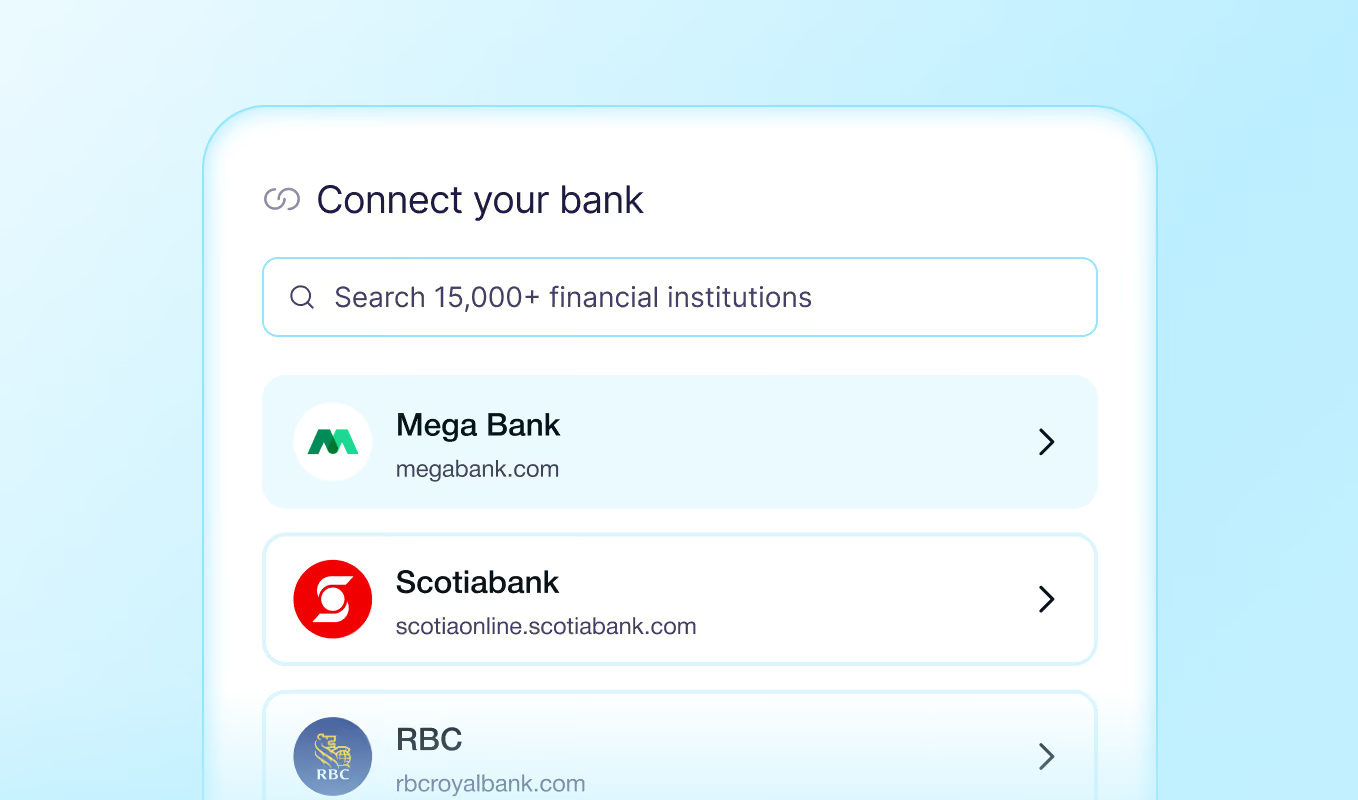

Easily connect and access financial data
Serve more customers, allow them to connect their bank accounts, and gain instant access to data from 15,000+ financial institutions in North America.
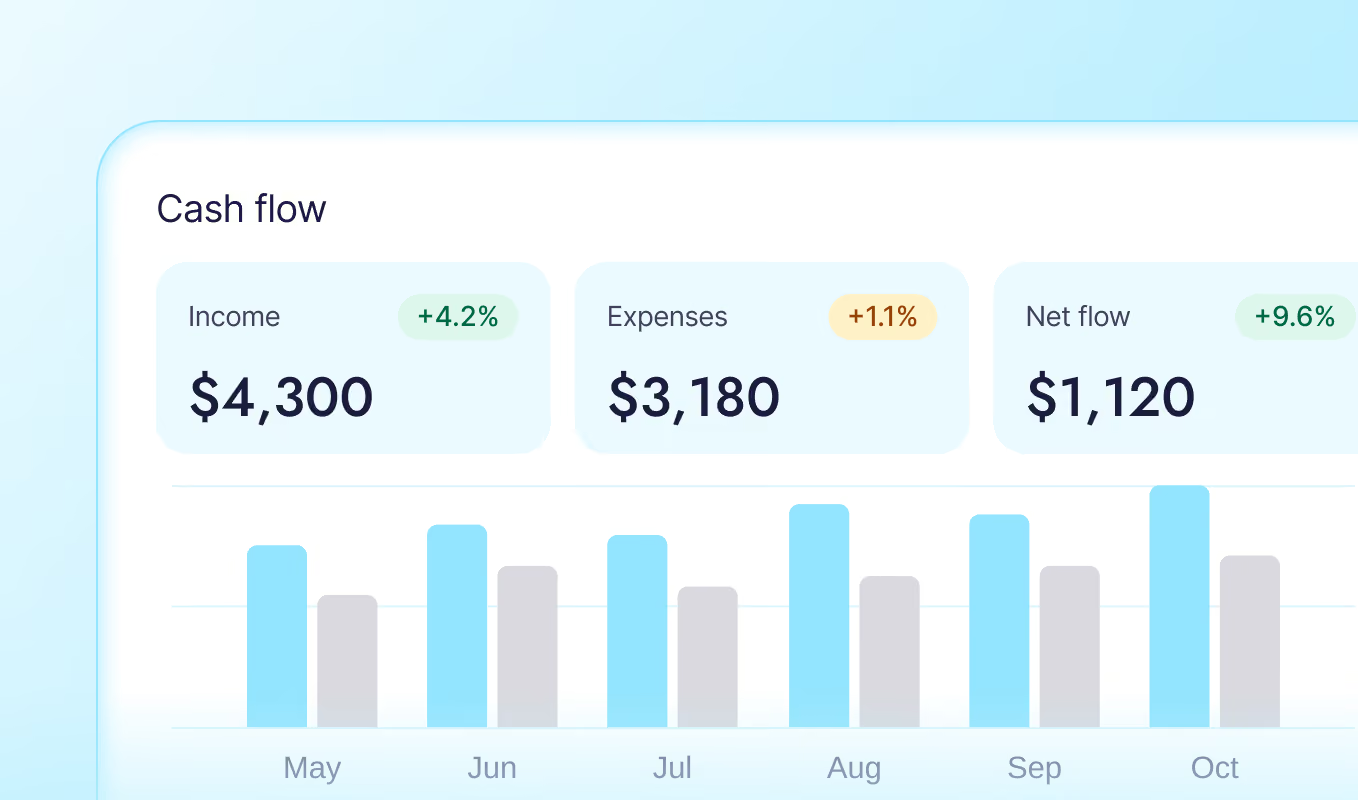

Translate raw financial data into insights
Gain in-depth insights on your customers in seconds to power faster and smarter decisioning.
Meet with an expert today
Book a 30-minute chat to see how Flinks can help you build seamless financial experiences

“With Flinks we’re able to onboard thousands of clients daily in a matter of minutes, making a complex process as simple and frictionless as possible.”
Laura Lampe
VP, CX Operations
“With our AI and credit models the more data we have, the better decisions we can make. And Flinks help us by giving us more data. They give us both a macro and micro view of consumer behaviour.”
Jonathon Goler
Chief Risk Officer
“Files are securely transferred from our front-end, which powered by Flinks, to our document repository system for safe-keeping. It has made things a lot easier for our clients.”
Paul von Martels
Vice President