

Convert more customers with seamless bank connections
Enable users to securely connect and verify their bank accounts with minimal friction — boosting conversion rates and unlocking instant access to financial data from 15,000+ institutions across North America.
Trusted by leading financial institutions and innovators


A fast, secure way to connect and verify bank accounts
Users link their bank accounts arrow_forward
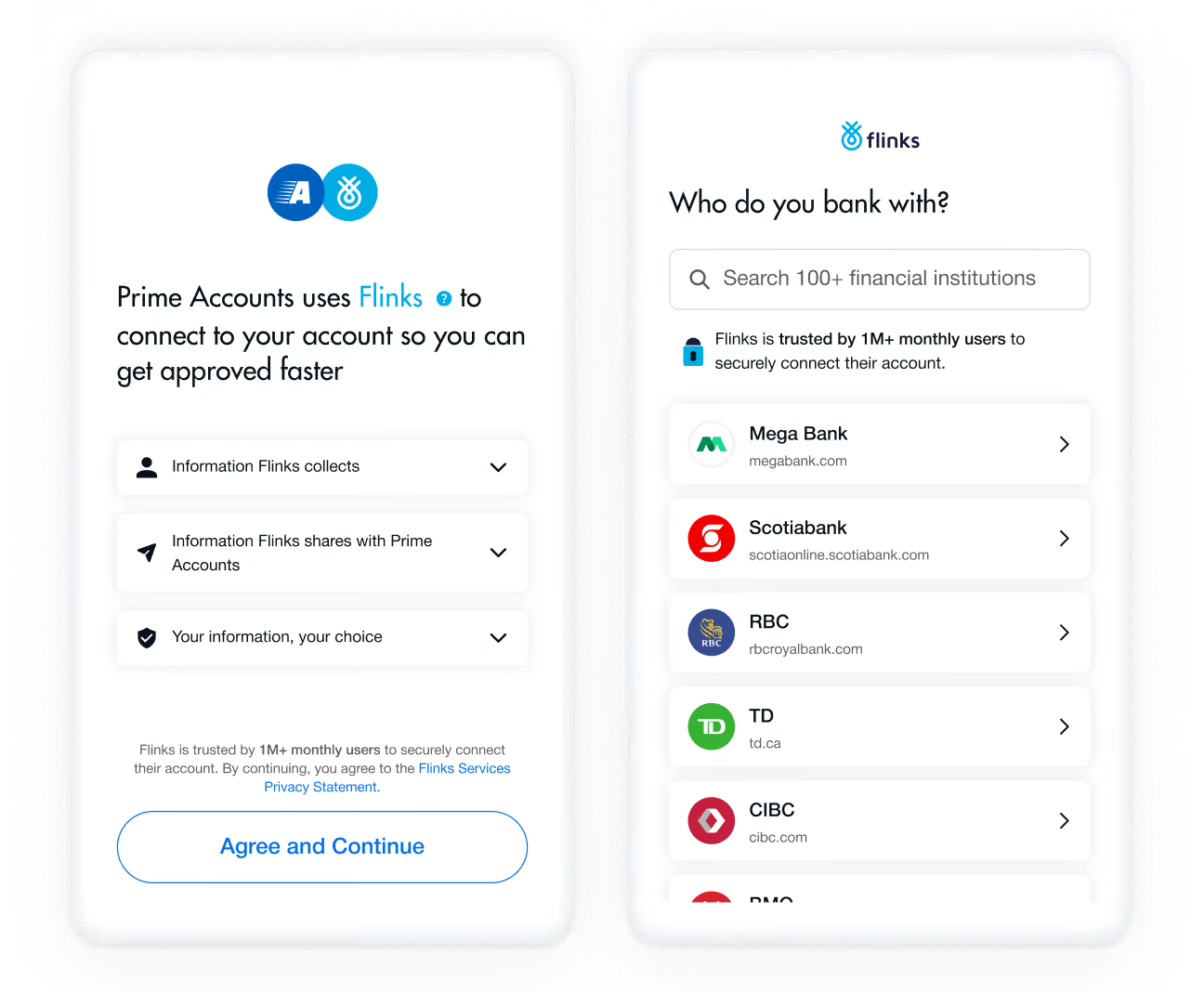
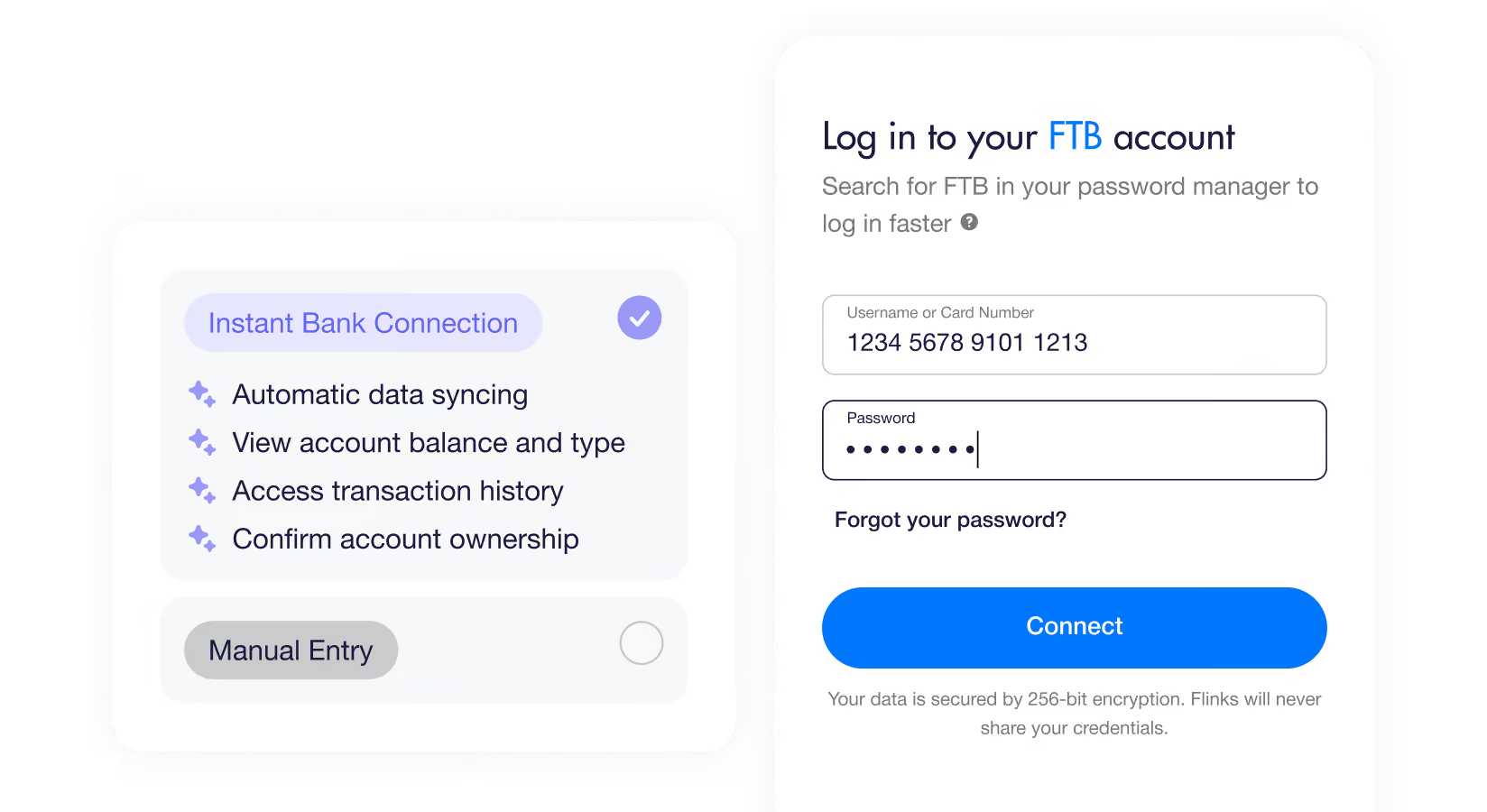
Users select their financial institution and securely connect their accounts using their online banking credentials.

We retrieve account data arrow_forward
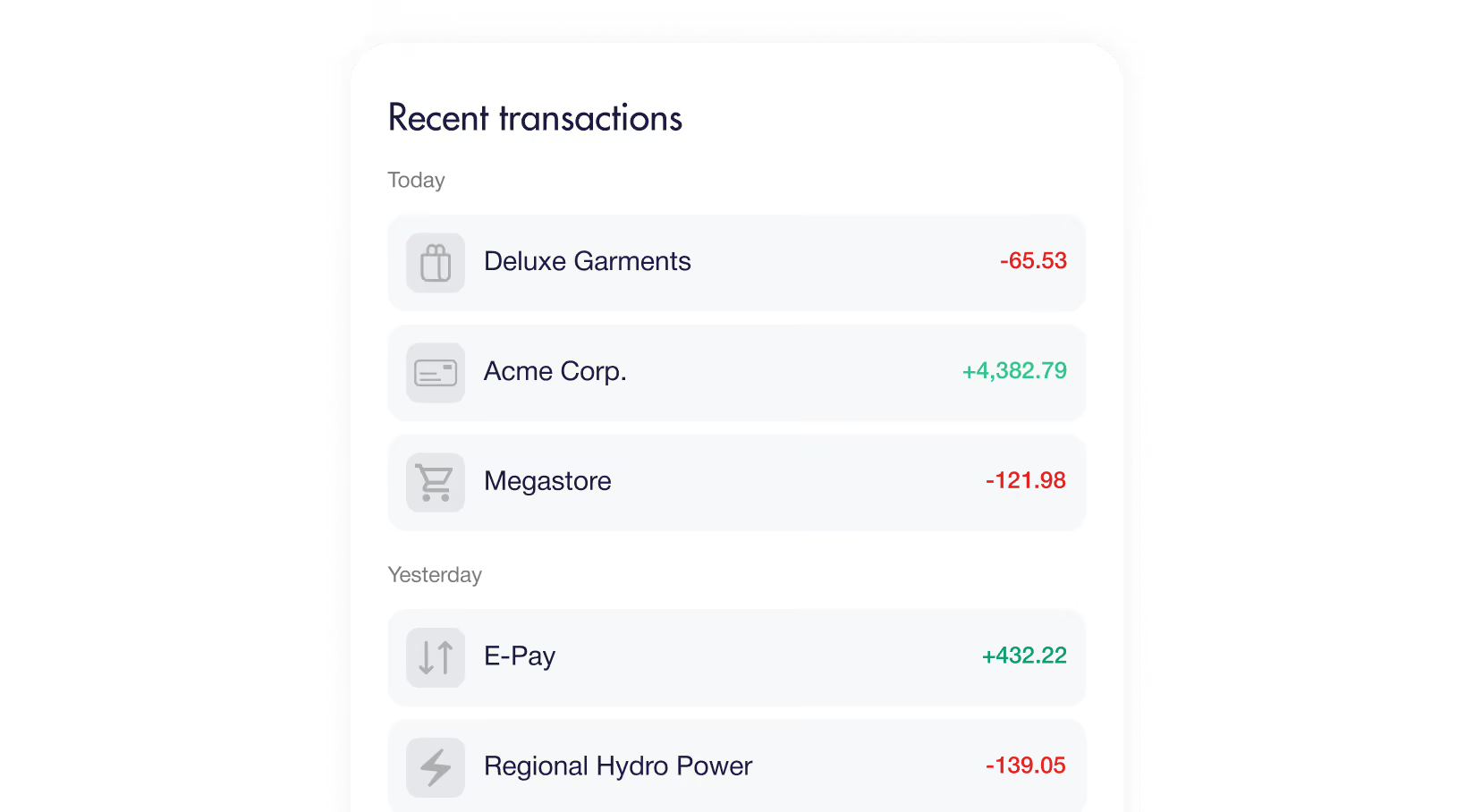
Using a combination of OAuth, direct APIs, and advanced screen scraping, Flinks instantly retrieves account details, balances, and transactions.

Power your workflows arrow_forward
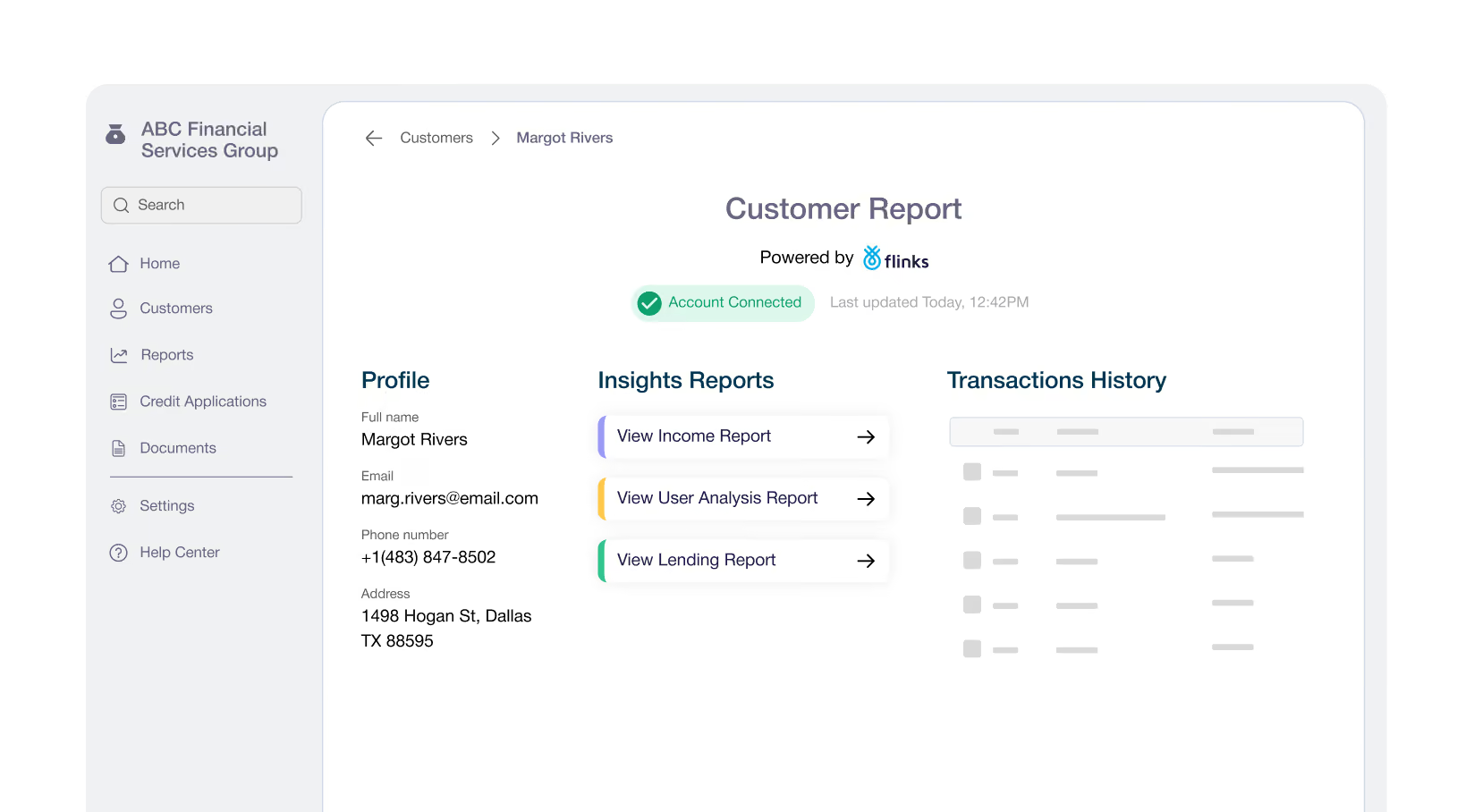
Access real-time, verified financial data through Flinks APIs to support use cases such as onboarding, account ownership validation, underwriting, and more.

The Flinks difference
Reliable connectivity and
long-tail coverage
Connect customers to over 15,000 financial institutions across North America with a 95%+ connection success rate. Flinks uses OAuth, direct API connections, and advanced screen scraping to reliably retrieve financial data at scale.
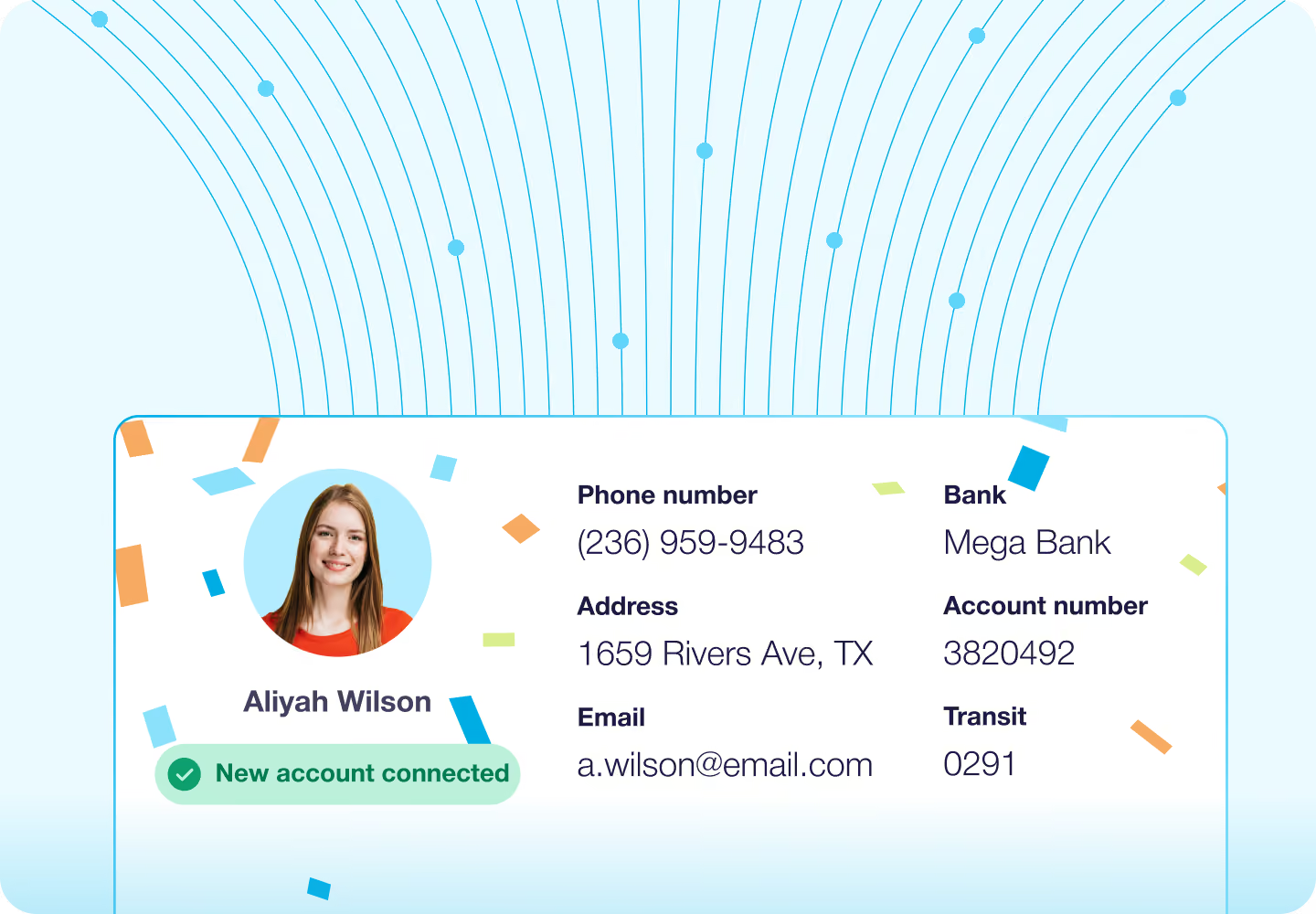
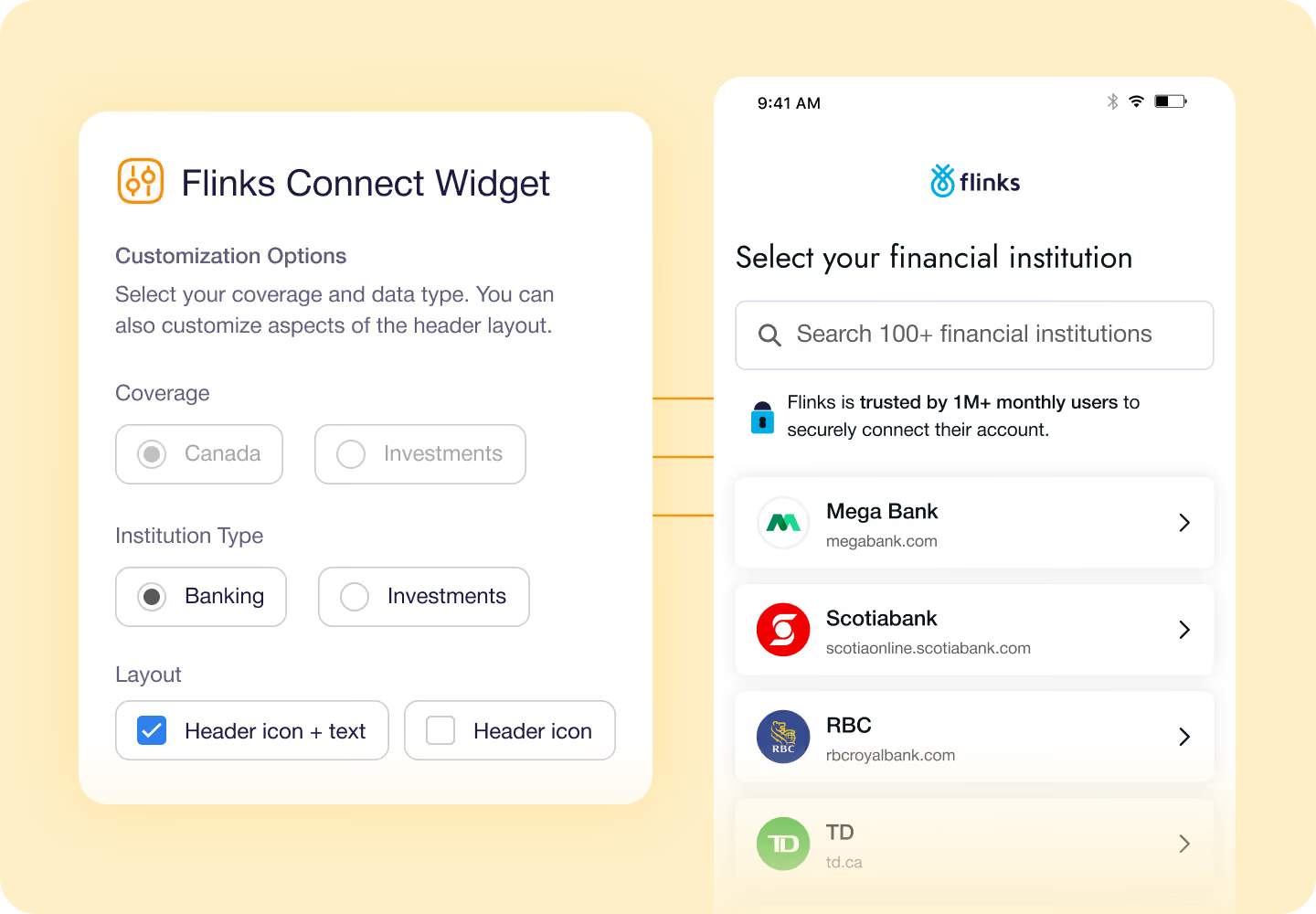
Customize your onboarding experience
Customize the onboarding flow to match your brand and compliance requirements. Control elements in the Flinks Connect widget such as logo, language, institution selection, and consent screen to deliver a consistent and trusted experience.
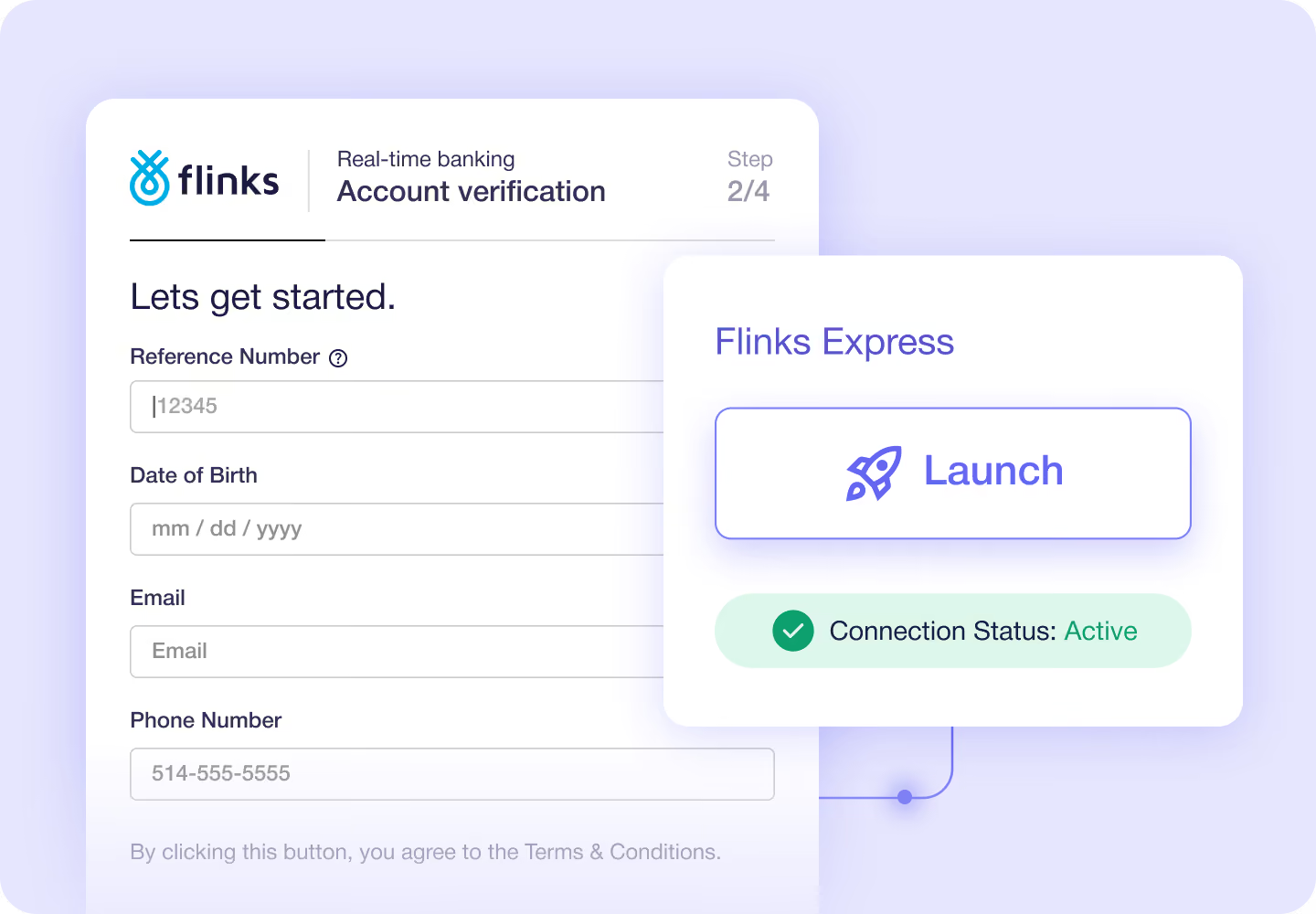
Deploy faster with Flinks Express
Flinks Express is a hosted, managed solution that lets you go live quickly without building or maintaining a front-end integration. Use pre-configured flows and branding options to connect bank accounts with minimal development effort.
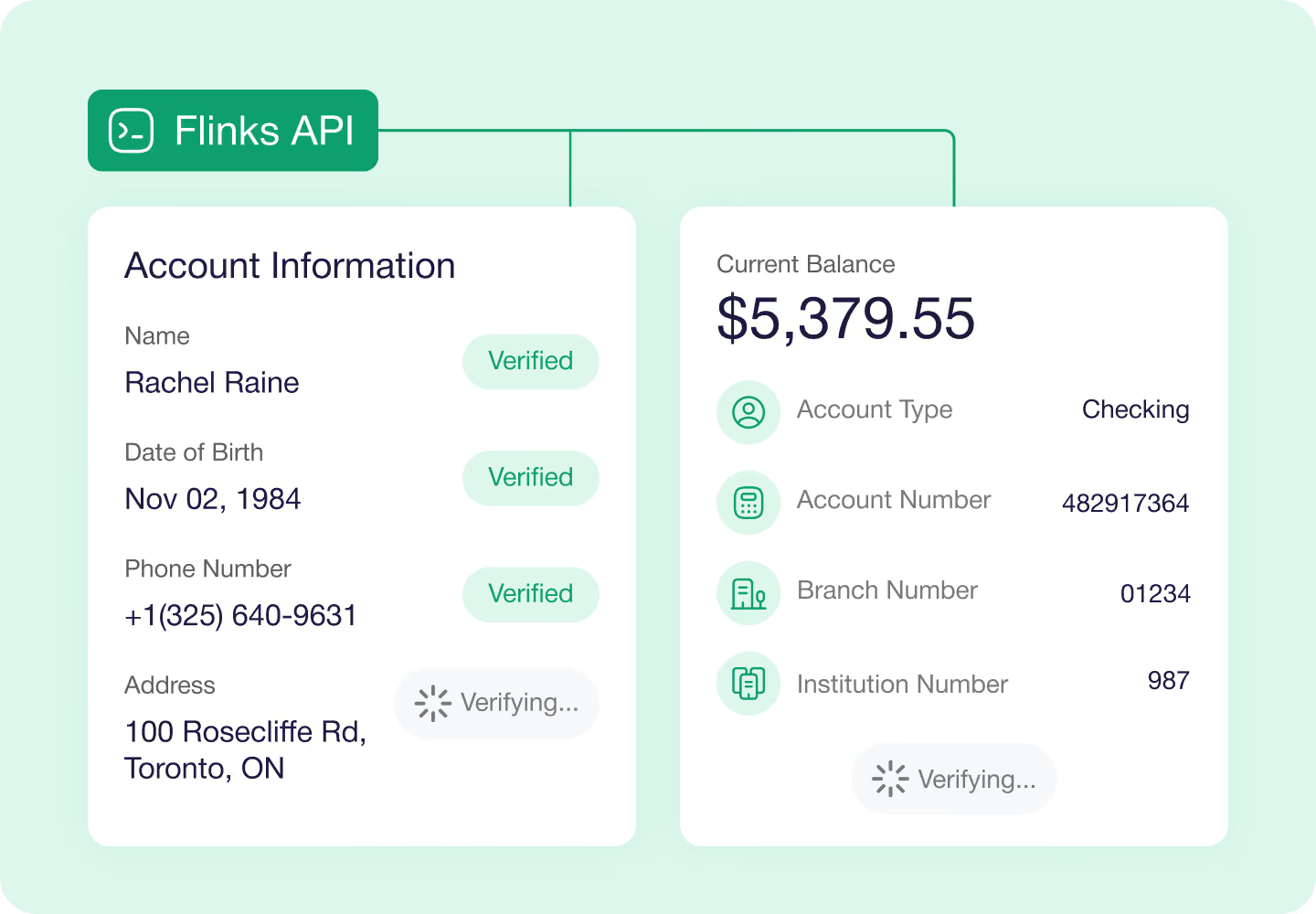
Retrieve key financial data
Access account details, balances, transactions, and bank statements through the Flinks API. Use webhooks to automatically receive updated account data as it becomes available.
Enable instant bank verification
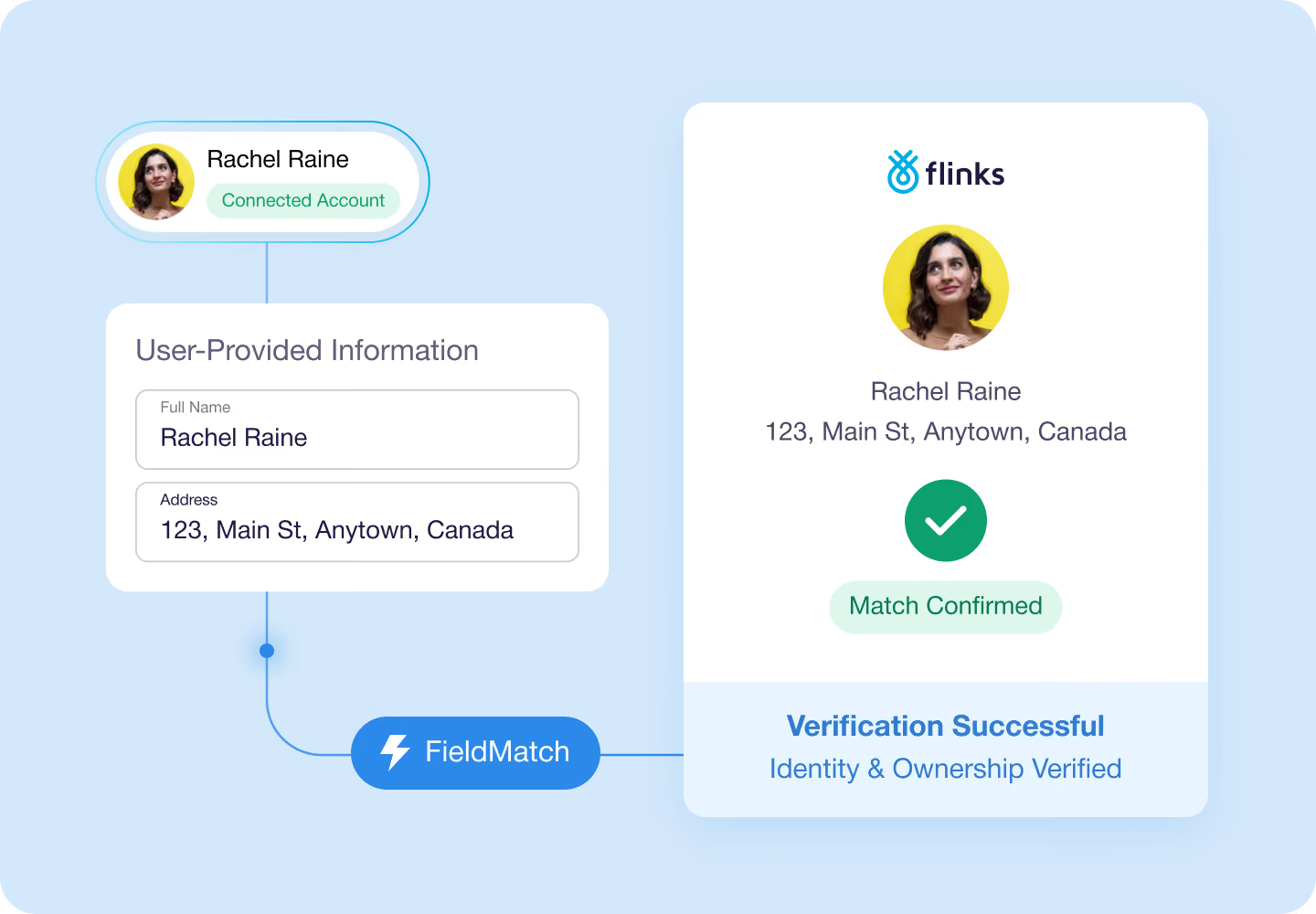
Use Flinks Connect’s FieldMatch endpoint to compare user-provided information such as name and address against connected bank account data. Receive a clear match result to help verify identity and account ownership.
%201.svg)
Frequently asked questions
- How does Flinks Connect integrate into a web or mobile app?
Flinks Connect is embedded using a secure iframe for web and webview for mobile, allowing users to connect their bank accounts without leaving your experience.
- Can the Flinks Connect widget be customized?
Yes. The Flinks Connect widget supports customization options such as branding, language, institution selection, and flow behavior. You can see the full list of available parameters in our documentation.
- Does Flinks use screen scraping or OAuth?
Flinks supports both. OAuth is used where available, including with 9 of the 10 largest banks in the US. In Canada, Flinks works directly with banks to build custom API integrations that improve connection reliability.
- Does Flinks handle multi-factor authentication (MFA)?
Yes, we support MFA and handle it automatically, as it’s a critical part of the authorization process that allows access to your user’s data.
- What data do we get once a user connects their bank account?
You receive raw banking data such as account details, balances, transaction history, and basic account-holder information, which you can process or enrich based on your use case.
- Can data be refreshed after the initial connection?
Yes. You can refresh data via API requests. If a bank requires reauthentication (for example, due to MFA or credential changes), Flinks surfaces that requirement so the user can reconnect.
- Can Flinks connect to both retail and commercial bank accounts?
Yes. Flinks supports connections to both personal and business bank accounts, depending on the financial institution and account type.
- Which banks and regions does Flinks Connect support?
Flinks Connect supports major banks and credit unions across Canada and the US. A full, up-to-date list of supported institutions is available in our documentation.
- What’s the difference between Flinks Connect and Flinks Express?
Flinks Connect is embedded and controlled within your product experience. Flinks Express is a fully hosted, out-of-the-box connection flow managed by Flinks for faster implementation.
- How is Flinks Connect priced?
Flinks Connect pricing is based on your volume of monthly unique connections. Standard contracts include a monthly minimum commitment, with better rates available at higher volumes.
Explore our embedded finance solutions
Enrich
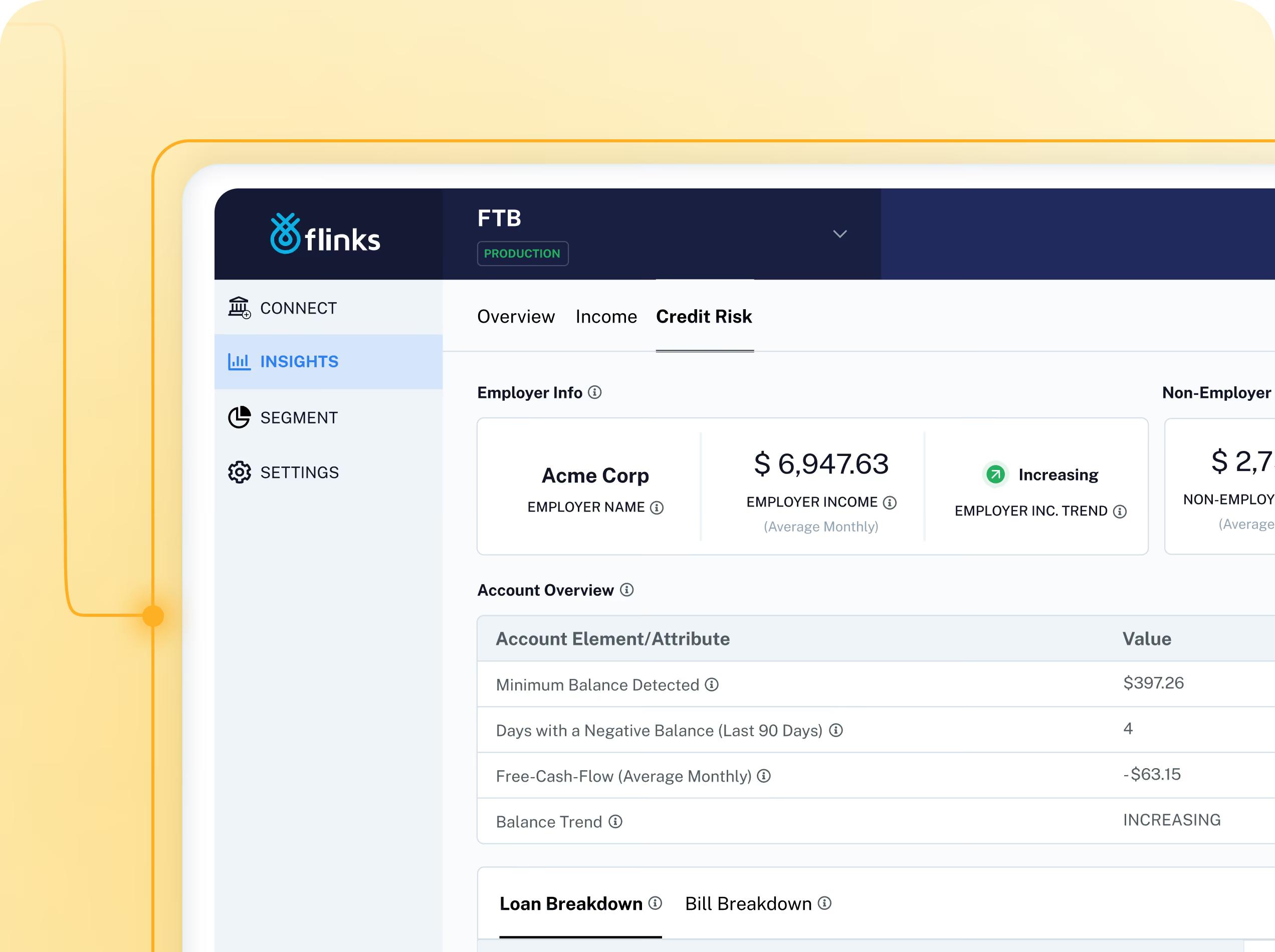
Turn raw data into 4,500+ real-time attributes covering transactions, income, cash flow trends, liabilities, NSF, loan stacking, and more.
Upload
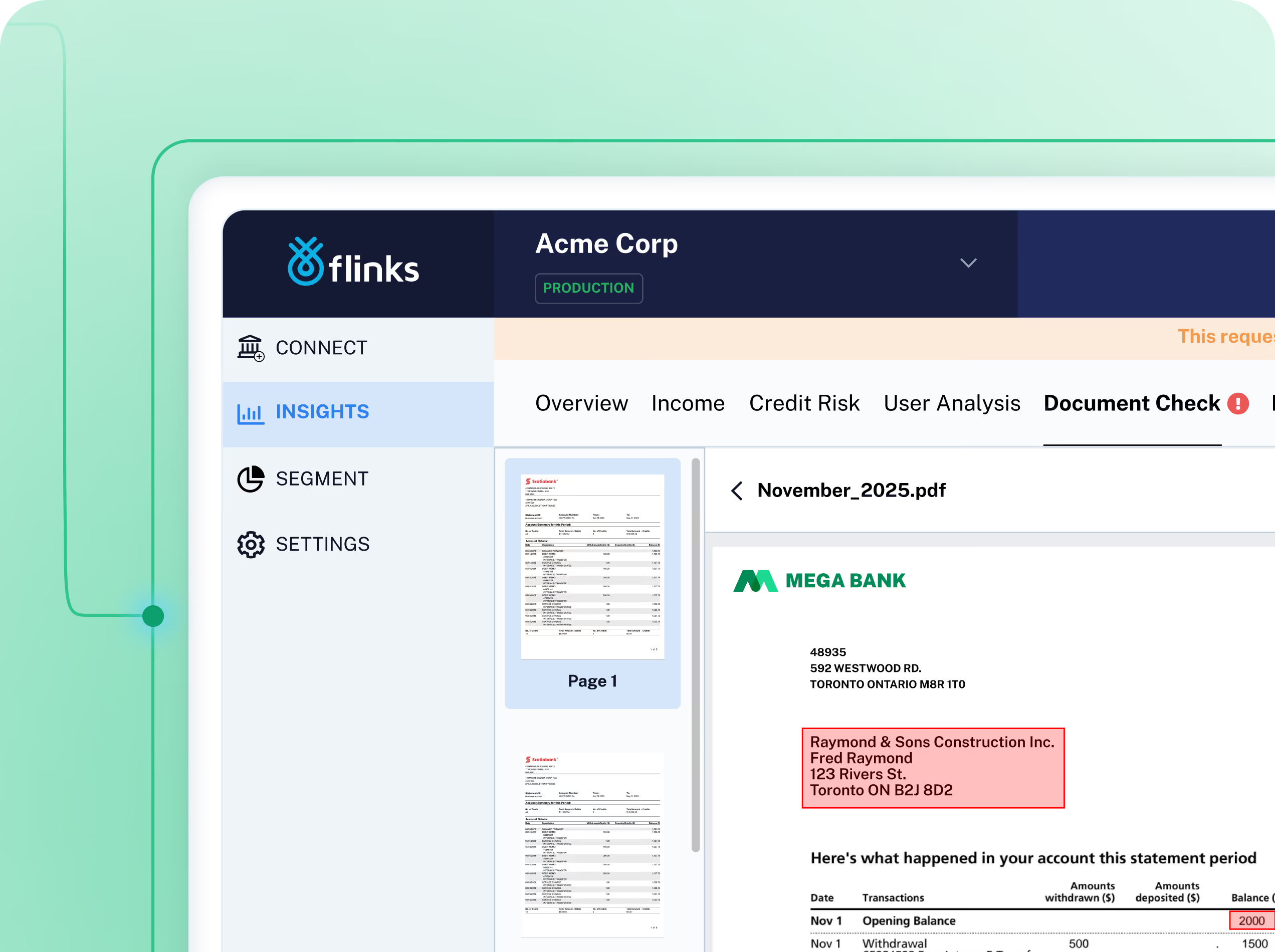
Process and verify bank statements and void cheques in real time to prevent fraud, accelerate decisions, and streamline onboarding.